For Every Shop — Kirana to Salon to Restaurant

Create Every Bill in Just 2 Steps.

Bill Guru is the free POS billing app built for any business — kirana stores, salons, restaurants, medical shops and more. Offline-ready, GST billing, Bluetooth thermal printing.

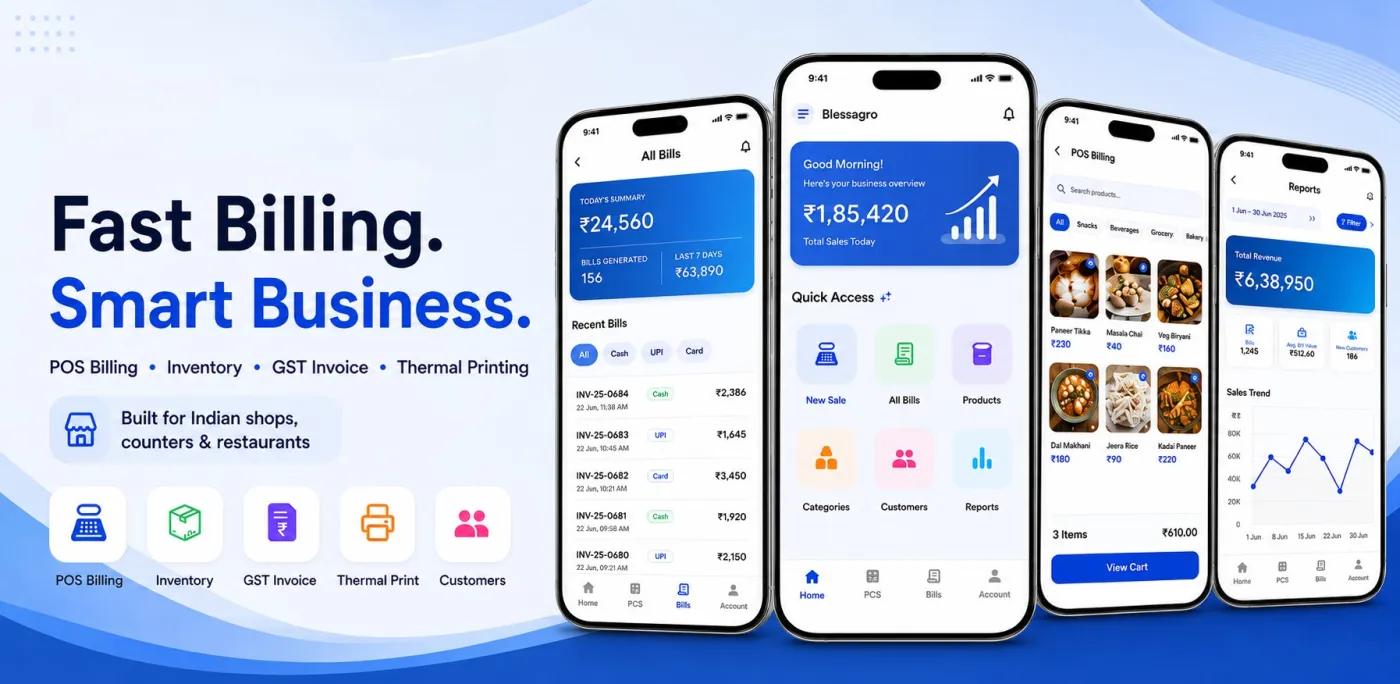
Bill Guru POS app shown on a phone with billing, product and reports screens

100% Free

No hidden charges

Offline Ready

Works without internet

Bluetooth

58/80mm thermal print

Made in India

Built for local shops

Why Bill Guru?

Built for shops that can't afford downtime.

Bill Guru bridges the gap between lightning-fast local performance and enterprise-grade cloud synchronization. Your business never misses a beat — even during internet outages.

Replace paper ledgers and spreadsheets with a unified mobile POS. From offline persistence to dynamic inventory, we equip you with everything needed to scale without limits.

Get the App Free

Intelligent Offline

Caches locally, syncs instantly when online.

Universal Print

Native 58/80mm Bluetooth thermal support.

Barcode Ready

Dynamic pricing, stock alerts & tax mapping.

Sales Analytics

Real-time revenue & top product tracking.

Multi-branch Mgmt

Owner profiles, branch isolation & roles.

Core Features

Everything you need at the counter.

Built to accelerate checkout, eliminate stock errors, and give you real-time business clarity in one stunning, easy-to-use interface.
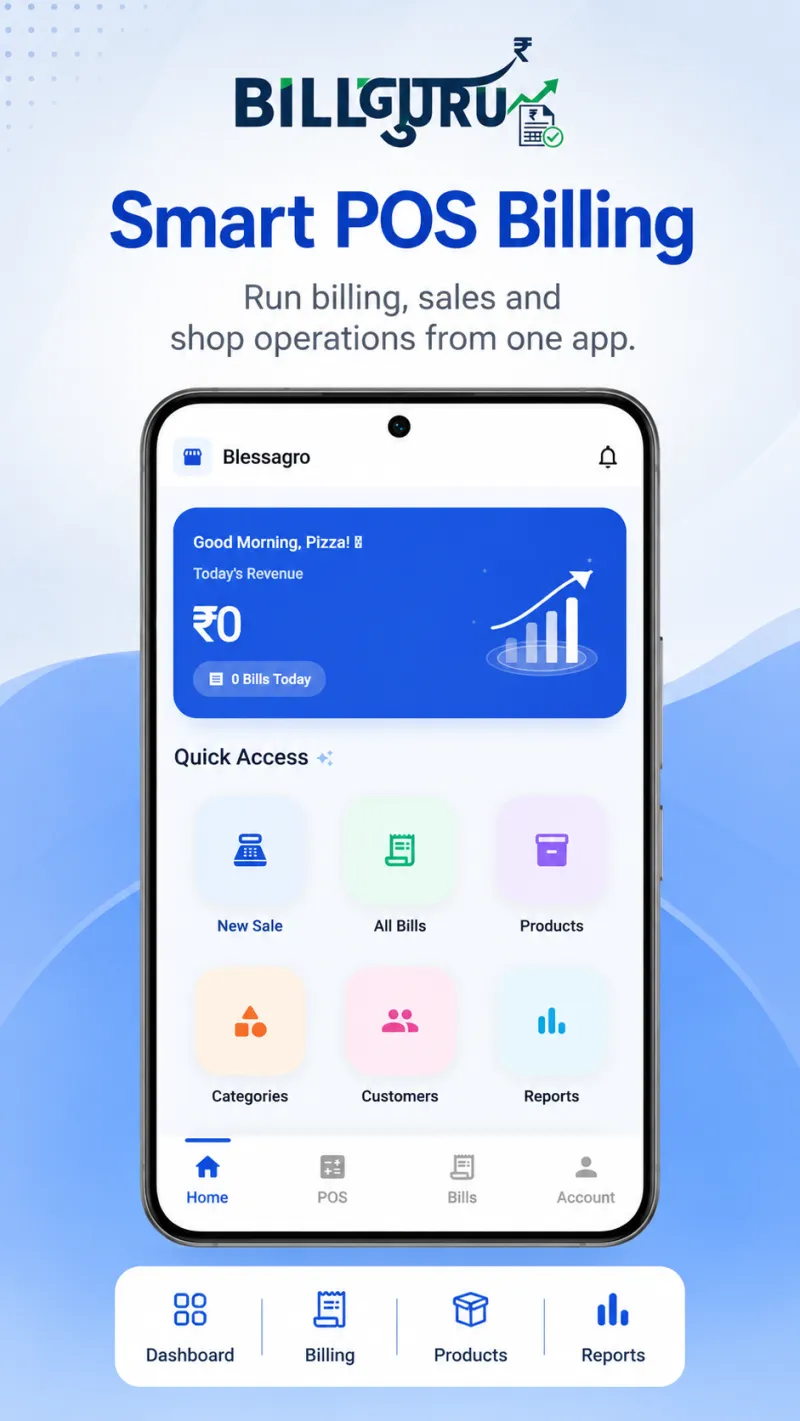
Bill Guru POS app home screen showing today's revenue and quick access to new sale, bills and products
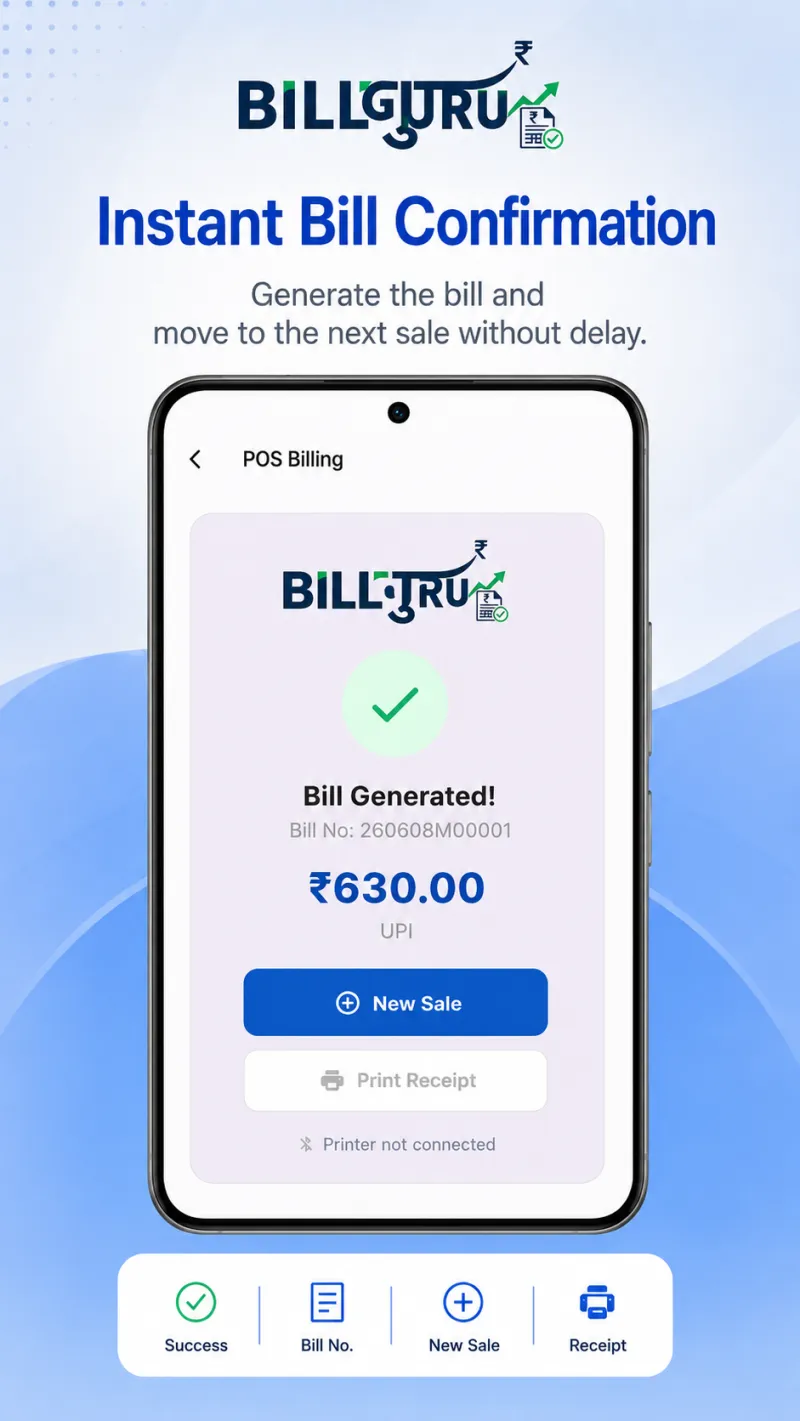
Bill confirmation screen after generating a receipt in Bill Guru
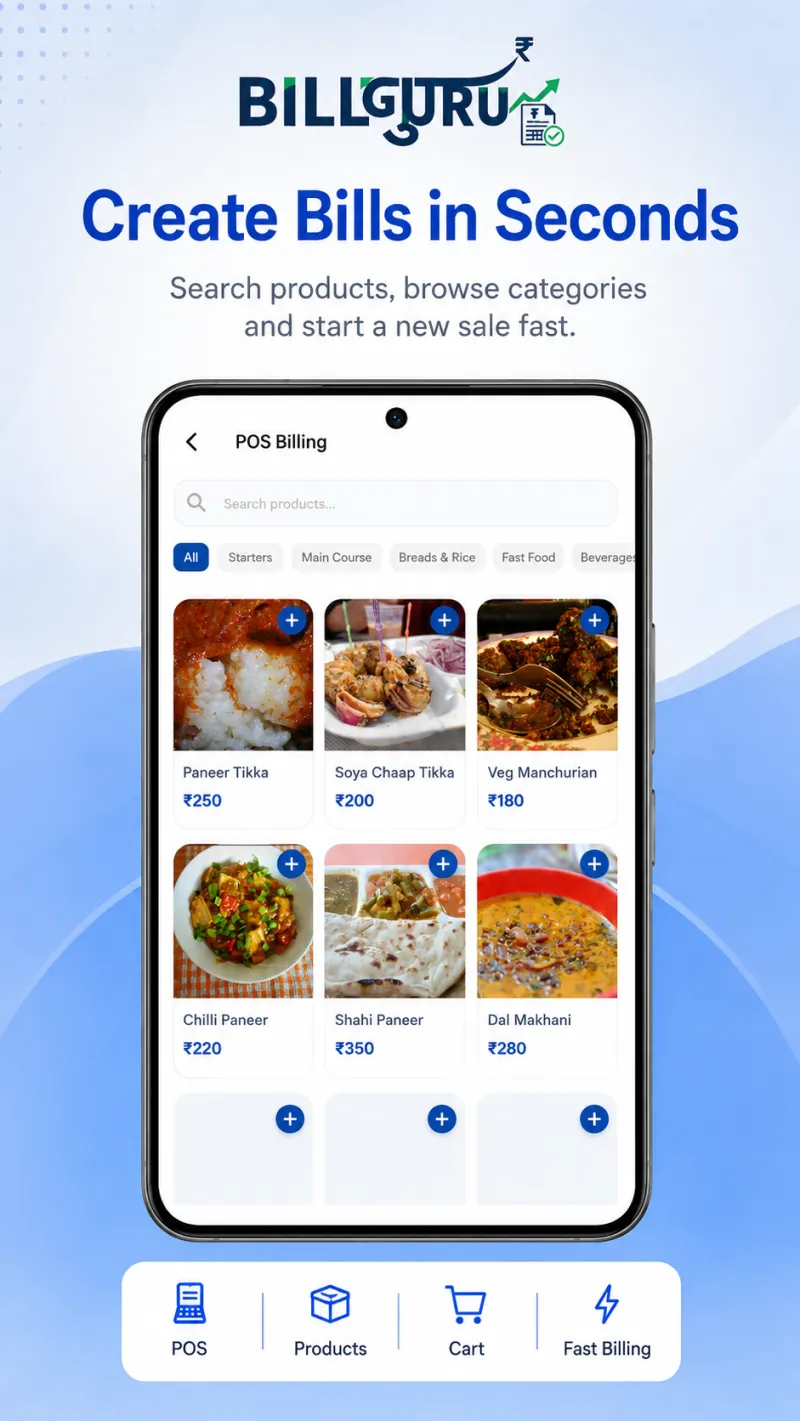
Creating a bill in the Bill Guru POS app by searching products and browsing categories
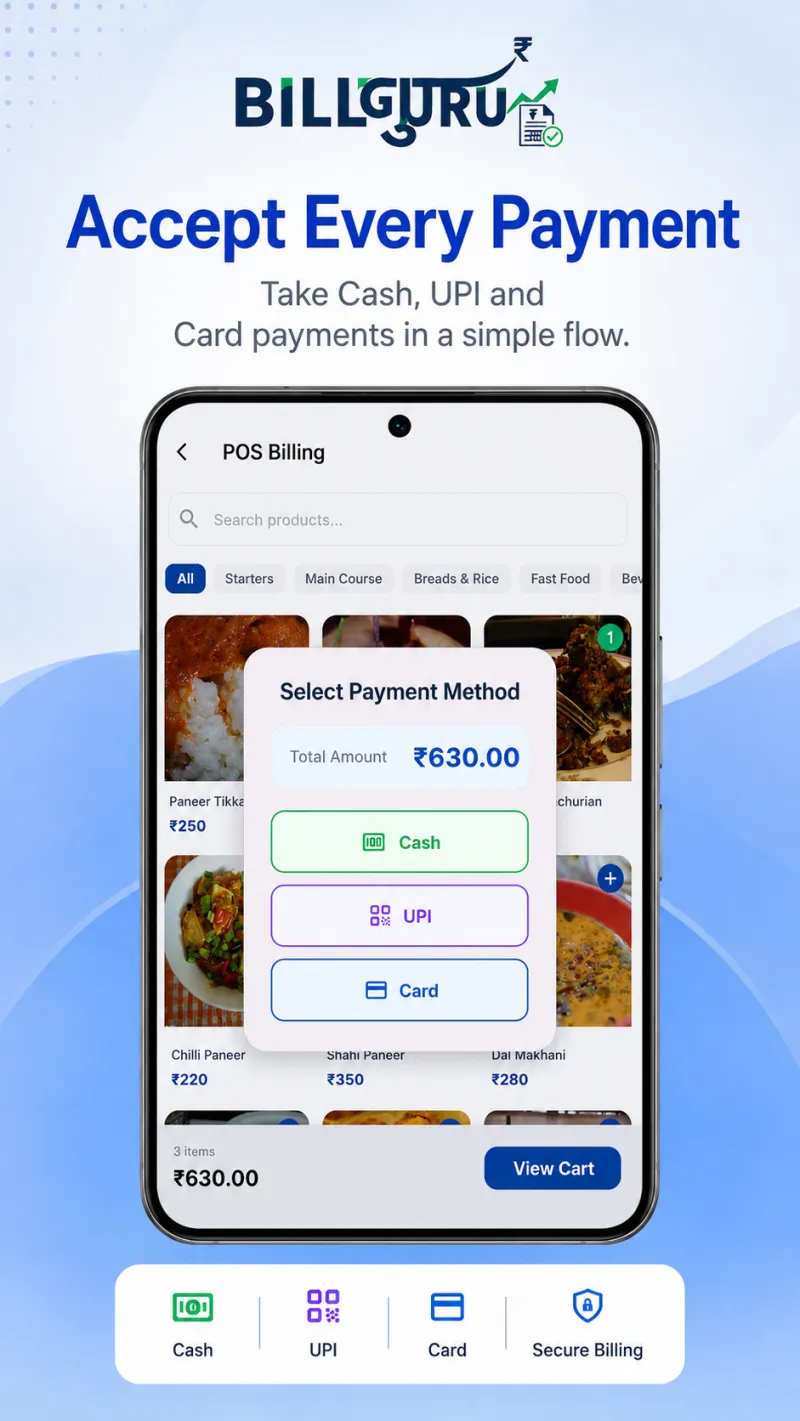
Bill Guru payment screen accepting cash, UPI and card payments
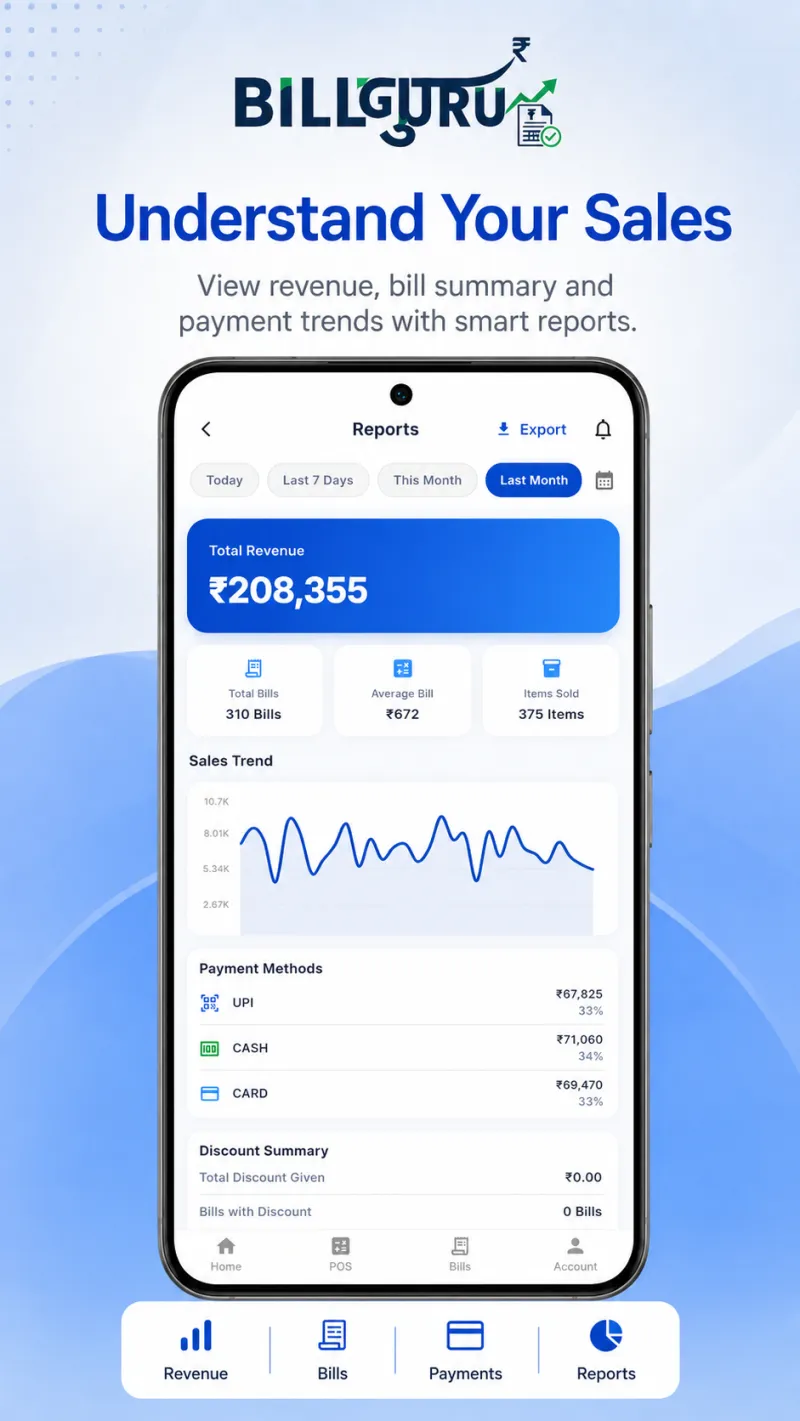
Bill Guru sales reports screen showing revenue, bill summary and payment trends
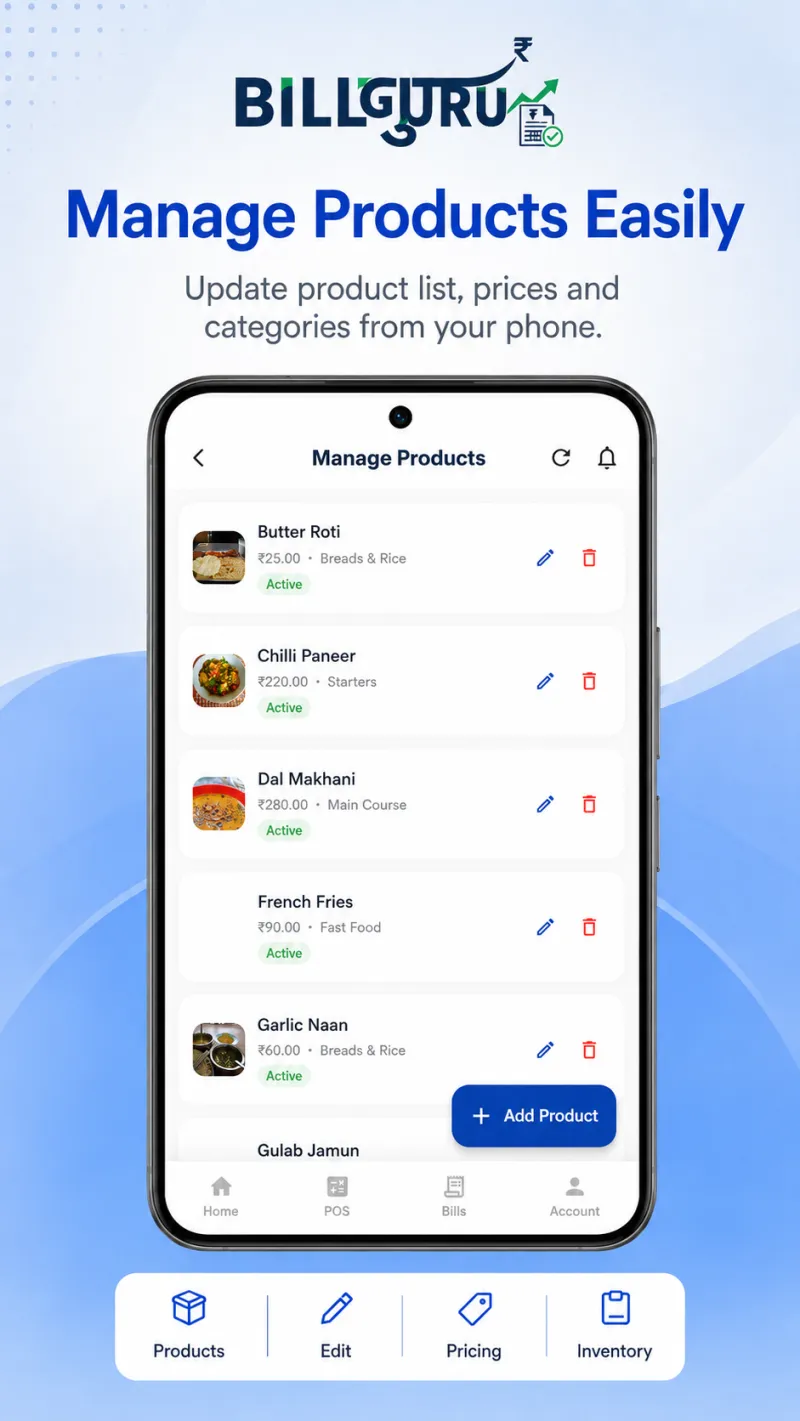
Managing product list, prices and categories in the Bill Guru Android app
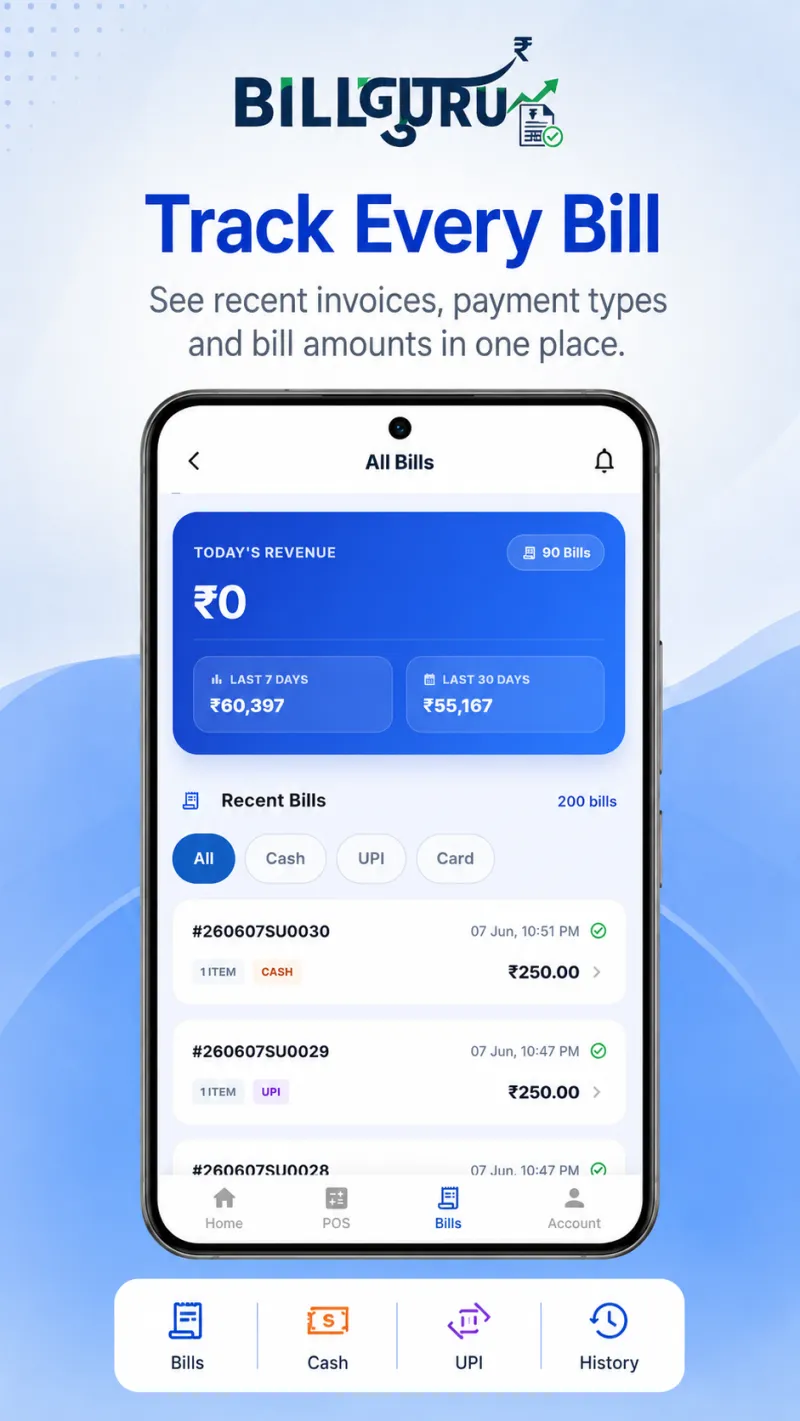
Bill Guru all bills screen listing recent invoices with payment type and amounts
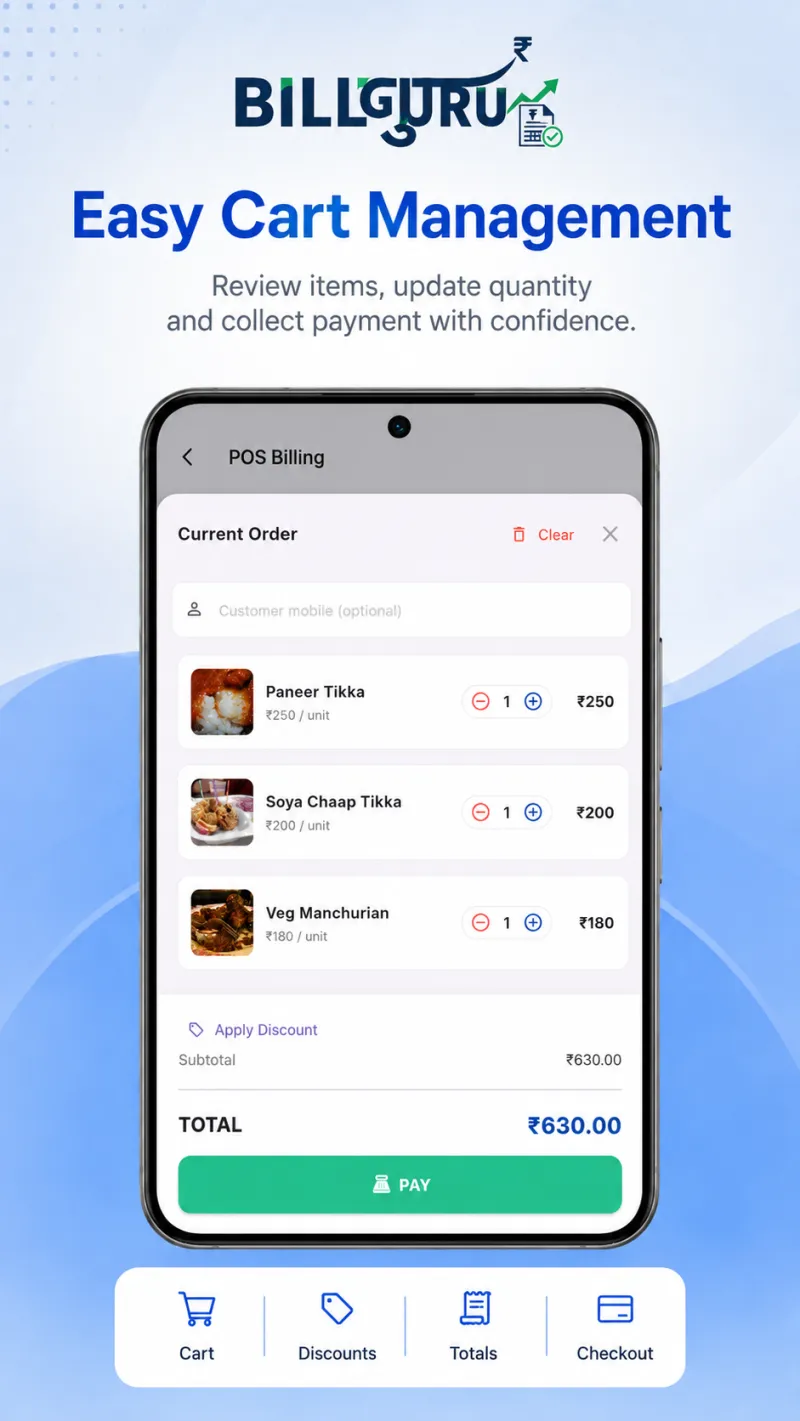
Cart management screen in Bill Guru showing order items, quantity updates and totals
Bill Guru POS app home screen showing today's revenue and quick access to new sale, bills and products
Bill confirmation screen after generating a receipt in Bill Guru
Creating a bill in the Bill Guru POS app by searching products and browsing categories
Bill Guru payment screen accepting cash, UPI and card payments
Bill Guru sales reports screen showing revenue, bill summary and payment trends
Managing product list, prices and categories in the Bill Guru Android app
Bill Guru all bills screen listing recent invoices with payment type and amounts
Cart management screen in Bill Guru showing order items, quantity updates and totals

Workflow

How a shift runs with Bill Guru

01

Rapid Catalog Setup

Add products with barcode, price, tax, stock — done in minutes.

02

Frictionless Checkout

Scan or search items, pick a payment method, generate the bill instantly.

03

Instant Receipt Print

Print on any paired Bluetooth thermal printer in seconds.

04

Auto Sync & Reports

Offline queue syncs silently. Reports update in real time.

Bill Guru all bills screen listing recent invoices with payment type and amounts

Mobile-First

Thumb-friendly, zero training needed.

Lightning Fast

No loading screens. Instant feedback.

Premium Design

Elegant color & typography system.

Rock Solid

Handles thousands of offline transactions.

Use Cases

Made for every kind of retail shop.

Counter Billing

Fast cart, sub-totals, payment & instant receipt printing.

Inventory Control

Product directories, stock adjustments & low-stock alerts.

Multi-branch Scale

Business profile, branch data & owner-scoped records.

Sales Review

Daily & date-range reports with totals & payment splits.

Creating a bill in the Bill Guru POS app by searching products and browsing categories
Cart management screen in Bill Guru showing order items, quantity updates and totals
Bill Guru payment screen accepting cash, UPI and card payments
Bill confirmation screen after generating a receipt in Bill Guru

Why Switch?

Manual vs. Bill Guru

❌ Without Bill Guru

  • Sales & stock in separate books
  • Billing stops when internet drops
  • Inconsistent receipt workflow
  • Hours of manual daily calculations
  • Zero branch-level visibility

✅ With Bill Guru

  • Billing, stock & history in one flow
  • Offline sales queue & auto-sync
  • Bluetooth thermal receipts in seconds
  • Automated reports & chart data
  • Owner, branch & role controls built-in

FAQ

Questions before you install?

Does Bill Guru work offline?

Yes. The app stores sales locally and syncs them to the cloud when connectivity is restored.

Can I print receipts from my phone?

Yes. Native Bluetooth support lets you print 58mm or 80mm thermal receipts instantly.

How detailed is inventory management?

Products store barcodes, pricing, tax rates, stock quantities, images, categories and active status.

Will I see sales reports?

Yes. Reports cover revenue summaries, charts, payment breakdowns and top-product insights.

Can it handle multiple shop locations?

Yes. Multi-branch setups, owner profiles and role permissions are built in.

Is Bill Guru really free?

Yes. The Android app is free to install and use through 2026 with no feature limits. Subscription plans start in 2027.

Which thermal printers work with it?

Most standard Bluetooth thermal printers using 58mm or 80mm rolls. Pair the printer in your phone's Bluetooth settings first, then select it in the app.

Do I need an internet connection to bill?

No. Bills are created and printed on the phone, then queued and synced to the server once you are back online.

Is there a web dashboard?

Not yet — it is in development. Billing, stock and reports all work on the Android app today.

Get Started

Start billing smarter today.

Join thousands of Indian and global retailers who have upgraded to Bill Guru. Free to install, zero setup cost.
Install Android App — Free